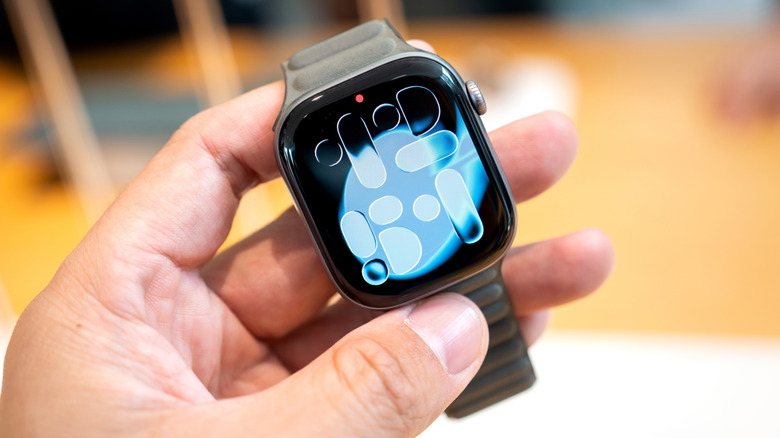
Are you making the most of your Apple Watch? Whether you’ve had an Apple Watch for years, answering texts and counting steps with a small device on your wrist, or you’ve just gotten your hands on a smart watch, it’s likely that there are a bunch of hidden features and apps you’ve never used.
Apple currently sells three models of its popular watch: Series 11, SE 3, and Ultra 3. Each model offers different features, display size, and battery life, but no matter which model you have, there are hidden features you don’t use.
It’s common knowledge that you can answer emails and phone calls, tap to pay, and track your daily exercise routine, but all Apple Watch models offer much more. Before you dive into choosing a fun watch face and a comfortable or stylish band, take the time to learn about all the functions a watch has to offer. In fact, it’s a great investment, especially if you’ve opted for the top-of-the-line Ultra 3. Here are some Apple Watch features that might fly under your radar.
Sleep awareness

If you or a loved one snores loudly or wakes up after hours of sleep feeling tired, you may be showing symptoms of sleep apnea, a disorder that causes pauses in breathing during sleep. It affects about 30 million Americans, and the risk increases as you get older. Untreated sleep apnea can lead to other problems with your health, such as high blood pressure and heart rhythm disturbances. If you suspect you have sleep apnea, you should make an appointment with a health care provider, but while you’re waiting to be seen by a doctor, your Apple Watch can help you check for breathing problems.
The Sleep Apnea Notifications feature is available on Apple Watch Series 9 or later, Apple Watch Ultra 2, or Apple Watch SE 3. Your phone must be updated to the latest version of iOS, and you must turn on the Sleep Tracker feature, found in the Health app on your phone. Then, wear your watch to sleep for at least 10 nights in a 30-day period, and the data will be analyzed every 30 days.
To turn on sleep apnea notifications, open the Health app on your iPhone, tap Search, then tap Sleep Apnea, and set up Sleep Apnea Notifications. If you receive a notification, you can send the report as a PDF to share with your healthcare provider.
Mute notifications with a gesture
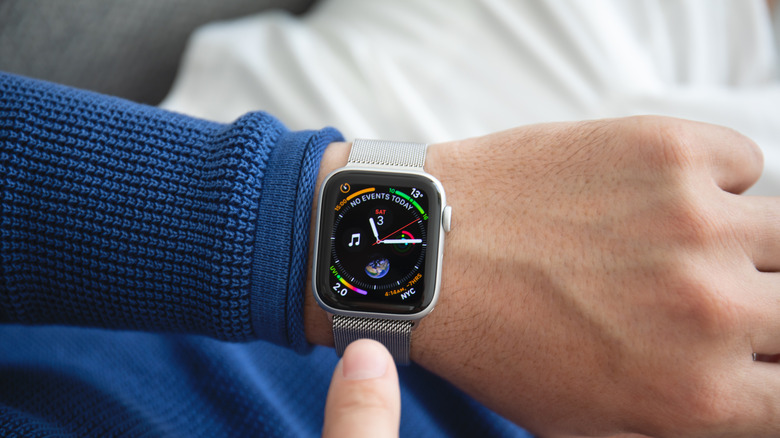
You’re in an important meeting, or in the middle of the first act of Hamilton, when you suddenly realize you forgot to silence notifications on your Apple Watch. The situation dictates stealth – you don’t want to distract your boss or draw attention to yourself in a dark place. Fortunately, Apple offers several options that will allow you to quickly silence notifications on your watch.
If you only remember that notifications are active because you receive an alert, such as an incoming call or text, you can silence that alert by turning off your watch’s display manually for at least three seconds. You will immediately hear to let you know that you have successfully silenced the notification. This option is enabled by default, but you can check it by going to the Settings app on your watch and tapping on Gestures.
You can also silence calls and dismiss notifications with a quick flick of your wrist. Apple calls this a wrist gesture, and it’s supported on the SE 3, Series 9, Ultra 2, and later models. Also, this feature is on by default, and you can find it in the Settings app under Gestures.
Live Listen
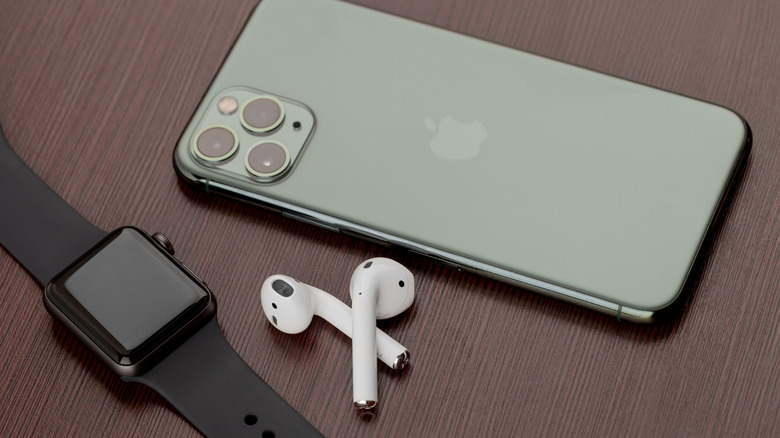
If you’re hard of hearing, have a loved one who is deaf, or struggle to hear clearly in loud noises, you can turn your Apple Watch into an accessible device using Live Listen. This feature uses the microphone on your iPhone to route audio to your AirPods or MFi hearing aids. When paired with your Apple Watch, the text of the conversation also appears on your watch screen in real time.
You must use headphones or a hearing aid with this app, and Live Captions are not available in all languages or regions. Apple also warns that the accuracy of the captions may vary, so you should not rely on the captions. Live Listen is available with watchOS 26, which requires Apple Watch Series 6 or SE 2 or later. Available on all Apple Watch Ultra models.
If you want to keep Live Listen easily accessible, add it to your watch’s Control Center. Once you’ve done that, place your phone close to the source you want to listen to, such as a speaker or lecturer. Open the Control Center on your watch and tap the Hearing Controls button. Scroll down to Live Listen, and you can start the show, or go back to the last show, watch the transcript, and stop the show.
Musical knowledge
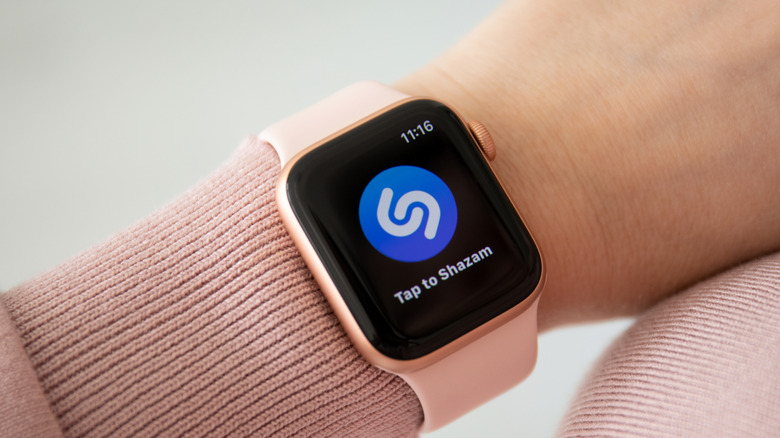
We’ve all been there: you’re enjoying a coffee in a cafe or watching a movie with friends, and you hear a great song you just love. You don’t know the name or the artist, and the song goes fast – once it’s gone, you can wait months to hear it again! In the days before smart phones, you would have to explain the song to a friend or family member, hoping that someone would recognize it from your strange voice. Eventually, music recognition apps like Shazam hit the scene, but you’ll have to pull out your phone and move the app before the song ends.
If you have an Apple Watch, you no longer have to call your friends or take your phone out of your pocket. Apple now owns Shazam and has built music recognition directly into your watch, with no additional hardware required. Open Music Skills on your watch by simply tapping on the icon (blue circle with a white symbol, S shape) and tap again to start listening. Once it has identified a song, your watch will display the title and artist. You can see a song in Apple Music, add it to your library or playlist, and see more information about the song, such as the album and release date, all without pulling out your phone. If you forget to note a song you heard days or weeks ago, open the Music app on your watch and scroll down to see a history of popular songs. This capability is available on all watches running watchOS26.
Live translation

Only 23% of Americans are bilingual, or able to speak more than one language. Although most of the world speaks English, this can still be a challenge, especially when we travel – only about 360 million people out of more than eight billion people speak English as their first language. If you travel internationally frequently, you may want to consider investing in an Apple Watch instead of relying on a translation app on your phone.
Apple’s live translation app allows users to translate both text and voice in a long list of supported languages. You can also download new languages to use without an internet connection. The offline version is available on Apple Watch SE 3, Series 9 and newer, and Ultra 2 and newer models.
To use native translation, first open the Translate app on your Apple watch. Type the language you want to translate your text or speech into. If you need a translation, tap the microphone button and say the phrase. Your watch will translate as you type or speak and the translation will appear on your screen. To play the audio version, tap the play button. To hear the translations automatically, tap More, then Play Translations. If it’s a common phrase that you might repeat throughout the day, you can save the translation as a favorite for easy access in the future. If a word has multiple meanings, your Apple Watch lets you choose the one you want, and you can also choose feminine or masculine versions for the words.
#Didnt #Apple #Watch #SlashGear